The office gift for a coworker, from the whole team
Everyone chips in what feels right, from $10, at the office or at home, and nobody sees who gave what, not even you. Each person you thank picks their own gift, gift cards or prepaid cards.



How it works for the colleague who organizes it
Start the pool in the free KadoPool app
Add the person you're thanking, or several people, and set each one's share. It takes about two minutes.
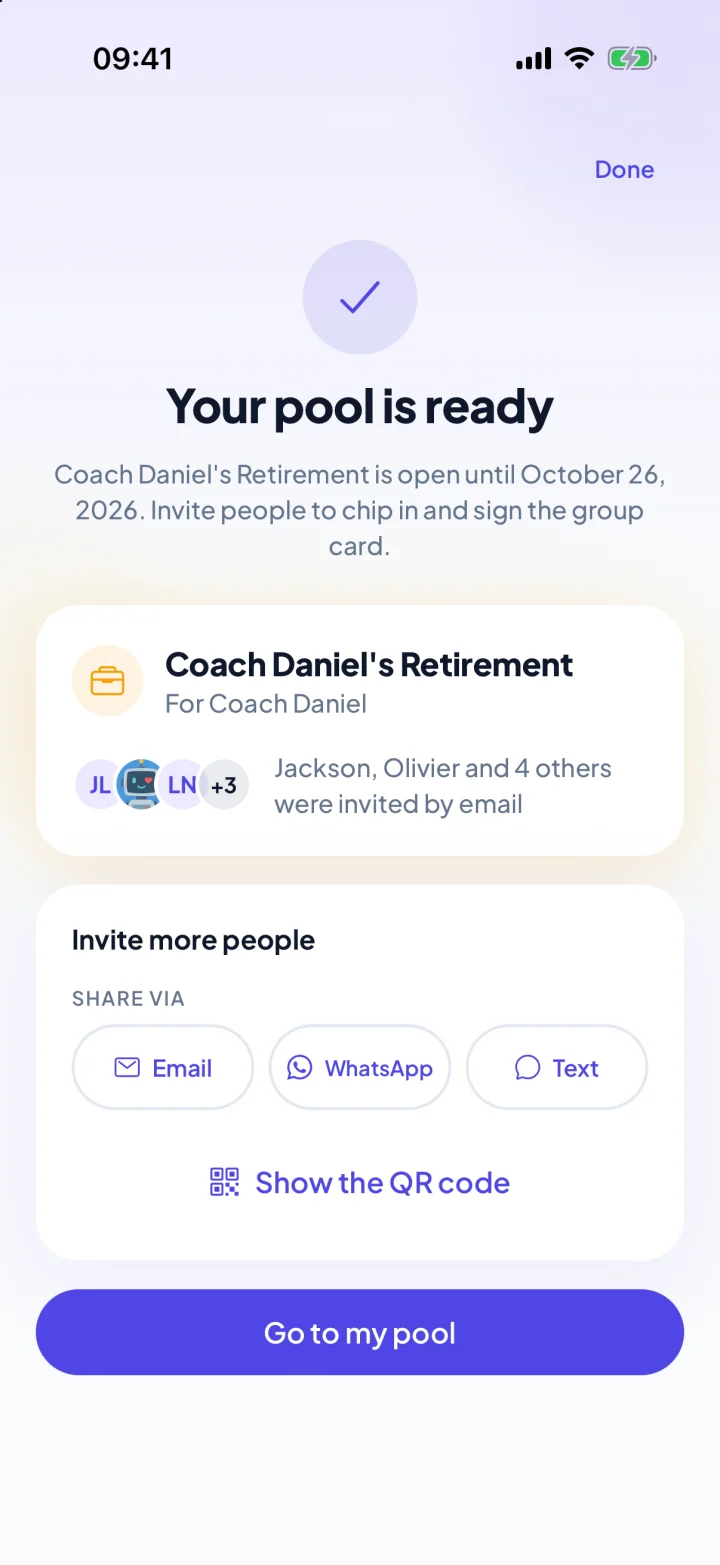
Invite your colleagues
Invite them by e-mail from the app, so the reminders reach them, and share the link in Slack or Teams too. Colleagues pay by card, Apple Pay or Google Pay, with no app or account.
Let the reminders do the chasing
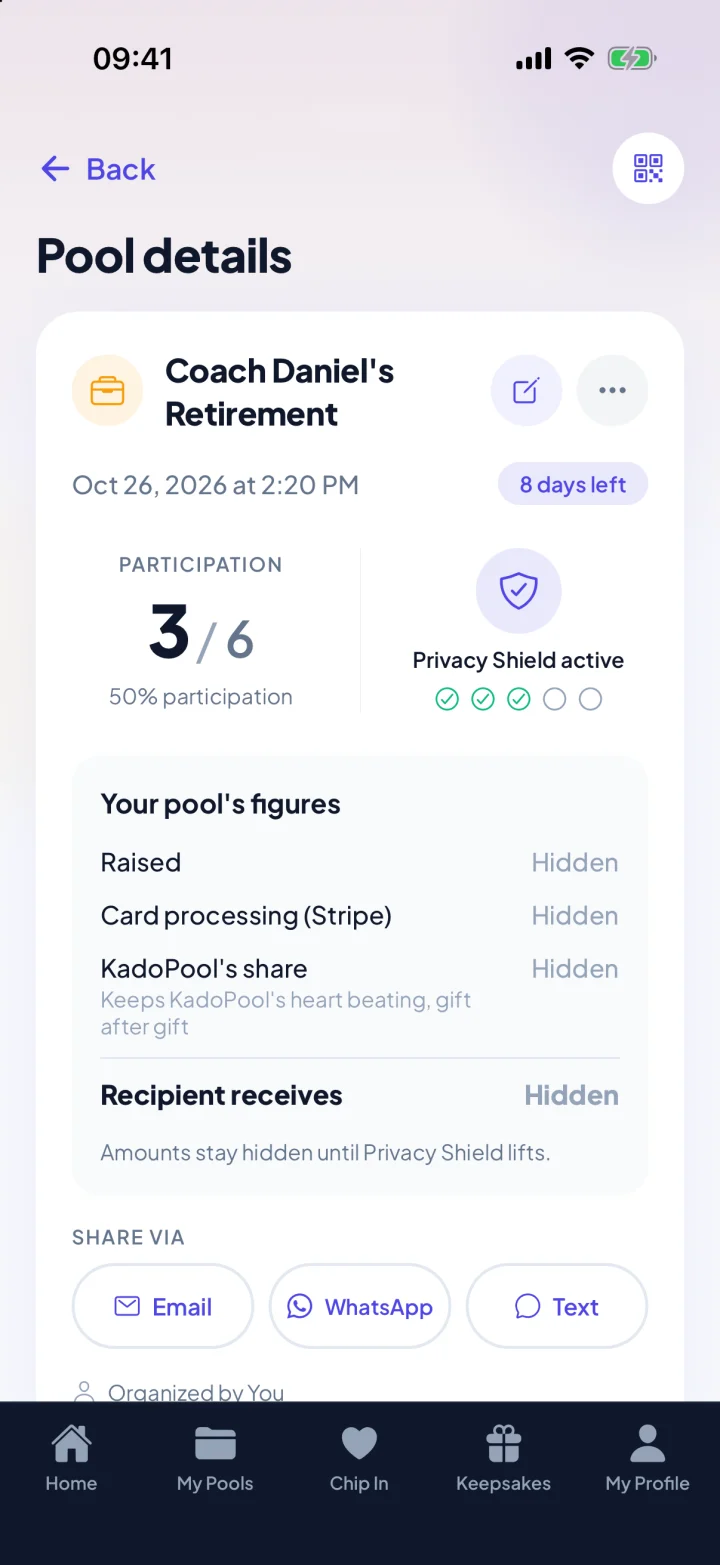
With automatic reminders on, KadoPool nudges the people you invited by e-mail who haven't chipped in yet, about 3 days and 12 hours before the closing date. You see who has chipped in, never who gave what.
Send the gift
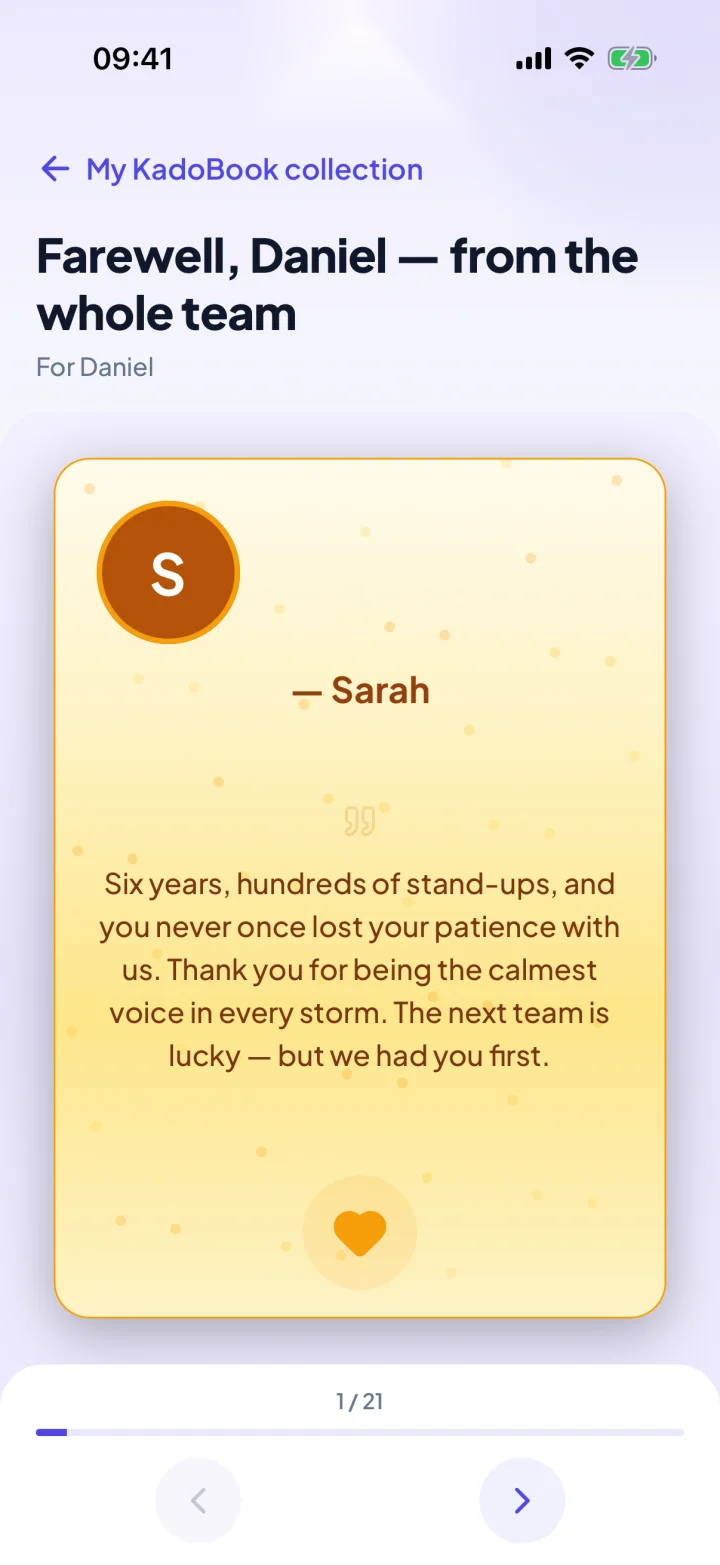
Each person you thank receives it in the KadoPool app, with the KadoBook of the team's names and messages.

On a computer? Scan with your phone's camera.
Free to organize, in about two minutes. Colleagues chip in from the link, with no app.



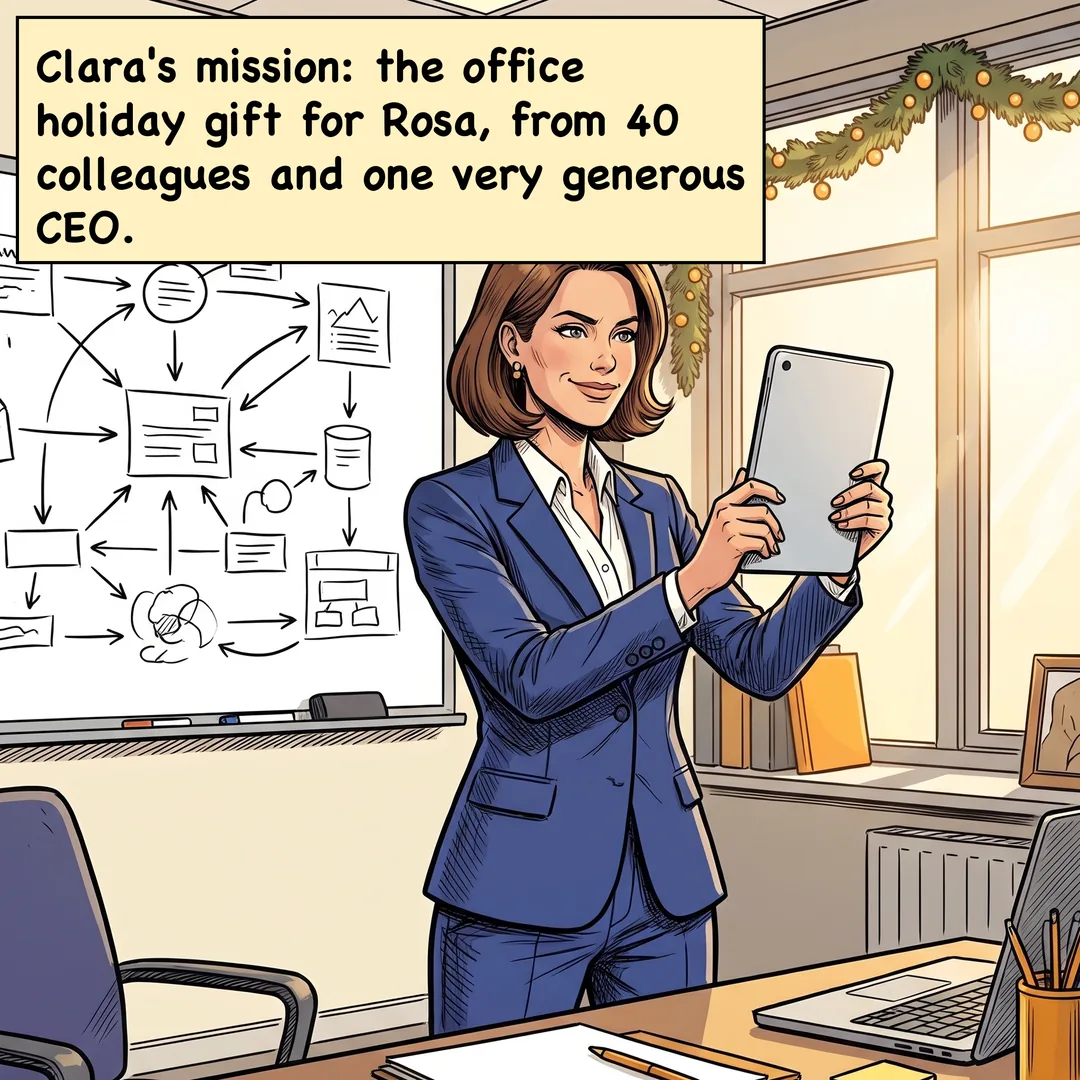

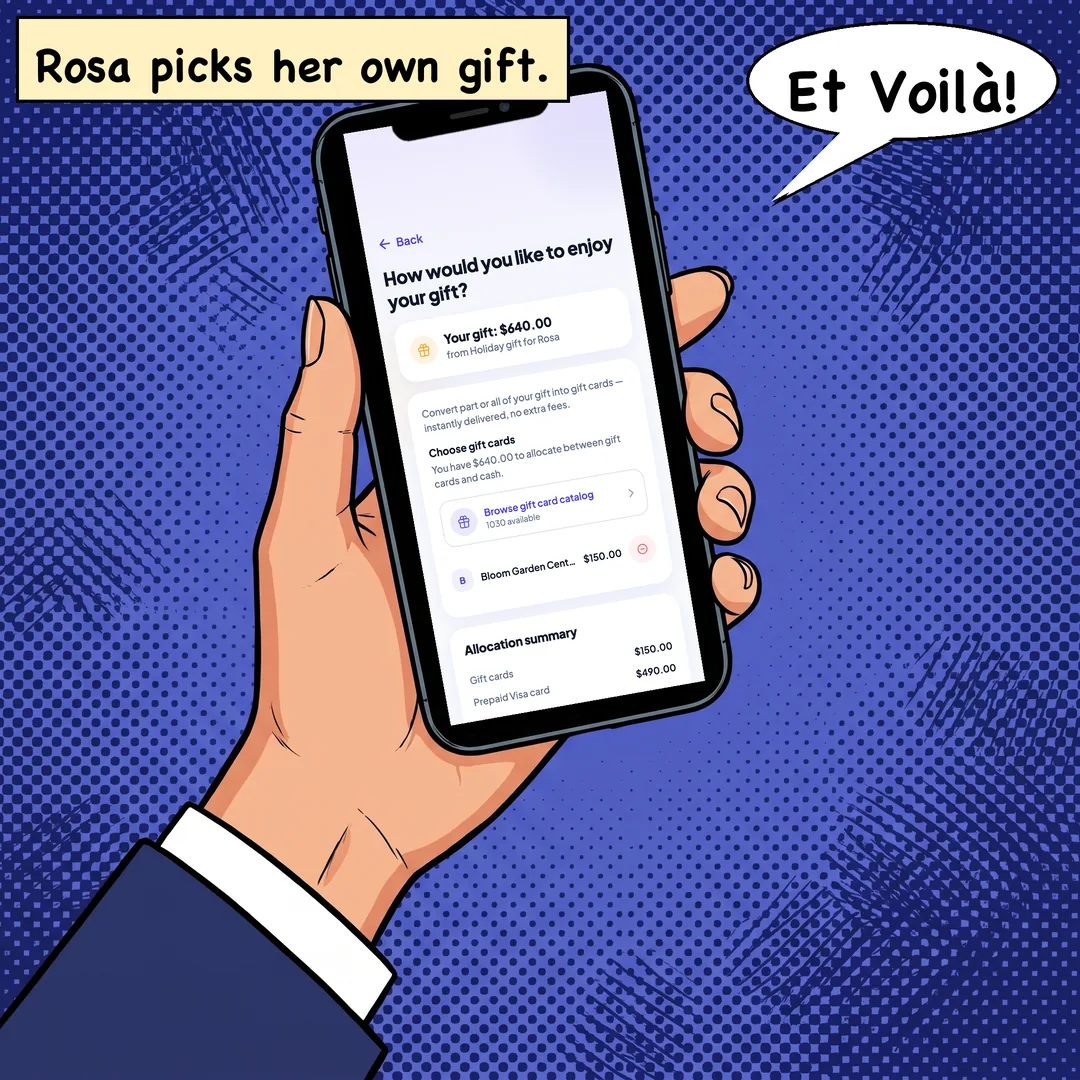

Remote or not, everyone's in
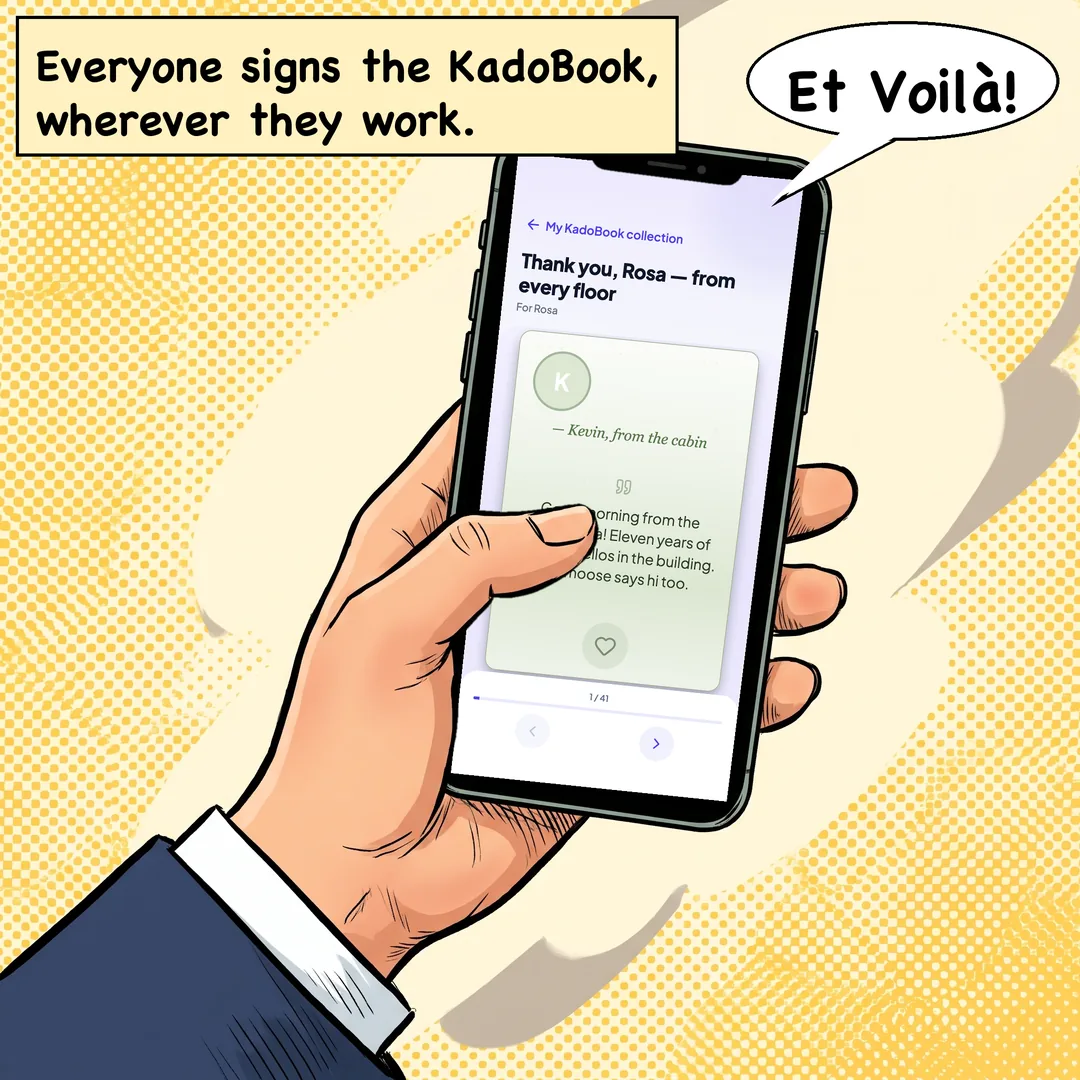
Colleagues chip in from the link on any phone or computer, at the office or at home, and are named in the KadoBook. With the free app, they add a message.
No one sees who gave what
Not the manager, not the organizer: amounts stay private, so no one feels measured, and the total stays hidden until enough people have chipped in that no amount can be guessed.
Thank several people at once
The front desk, the office manager, the cleaning crew: add each person and set their share. Each one receives their own gift, privately.
What it costs
Organizing is free. Each payment carries the card processing and KadoPool's 2% fee: about $1.53 on a $25 gift. You choose whether it comes out of the gift or is added on top. See pricing
Questions
When do they get the gift?
When you send it from the app, once the pool has closed. Set the closing date for the day before you want them to have it, and send it on the day. They don't need an account first: they get one e-mail with the gift and open it in the free KadoPool app.
Do coworkers need the app?
No. They chip in from the link on any phone or computer. Only you, to set up and send the gift, and the people you thank, to open it, use the app.
Does our company allow it?
Some companies limit gifts between colleagues or to managers. Check your company's policy before you start.
More questions
Can my manager see what I gave?
No. No one sees what anyone gave, the organizer included.
Can we thank several people?
Yes. Add each person and set their share. Each one receives their own gift, privately.
Can I keep it a surprise?
Yes, always: the people you thank hear nothing from KadoPool until you send the gift. Just share the link where the people you thank won't see it.
Do I hold the money?
No. Payments go through Stripe, never to you. As the organizer, you never touch the money.
Start the office gift
Colleagues chip in from the link, at the office or at home, and nobody sees who gave what.
On a computer? Scan with your phone's camera.